Module panel
The Module Panel is the most diverse panel and its appearance depends on its functionality. Most Module Panels consist of Computation Tab and Presentation Tab. Computation Tab allows changing of parameters of the module. Sometimes it includes a wait button, which when pressed, allows you to modify many parameters before running this module. This button is used when a module works for quite a long time. (see: description of particular module)
Presentation Tab allows to change the presentation and view of loaded modules (see: presentation).
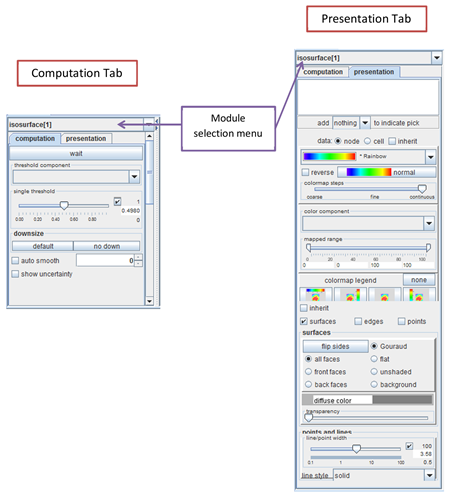
[Hint: The Module selection menu enables you to change the selected module.]
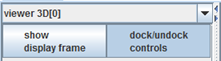
The Viewers’ Module Panels contain a “show display frame” button which opens the viewers’ window.